Diagnosing TV Sound Loss with Normal Picture
Watching a TV broadcast or Netflix movie with crystal-clear picture but total silence is a frequent complaint. Fortunately, many audio problems originate from audio output settings rather than blown speakers.
1. Check Audio Output Source Settings
Navigate to Settings > Sound > Audio Output. If someone previously connected a Bluetooth headset, optical soundbar, or HDMI eARC speaker, the TV may still be routing audio to an external device that is currently turned off. Switch output back to "Internal TV Speakers".
2. Test Sound via Built-in Self-Diagnosis
Modern Smart TVs from Samsung, LG, and Sony feature a built-in Sound Test in the Support menu. When you trigger the test, the TV plays an internal chime:
- Chime Plays Clearly: Your TV speakers and audio amplifier are healthy. The problem is with your HDMI cable, set-top box, or streaming app audio codec (e.g., Dolby Digital Plus downmixing).
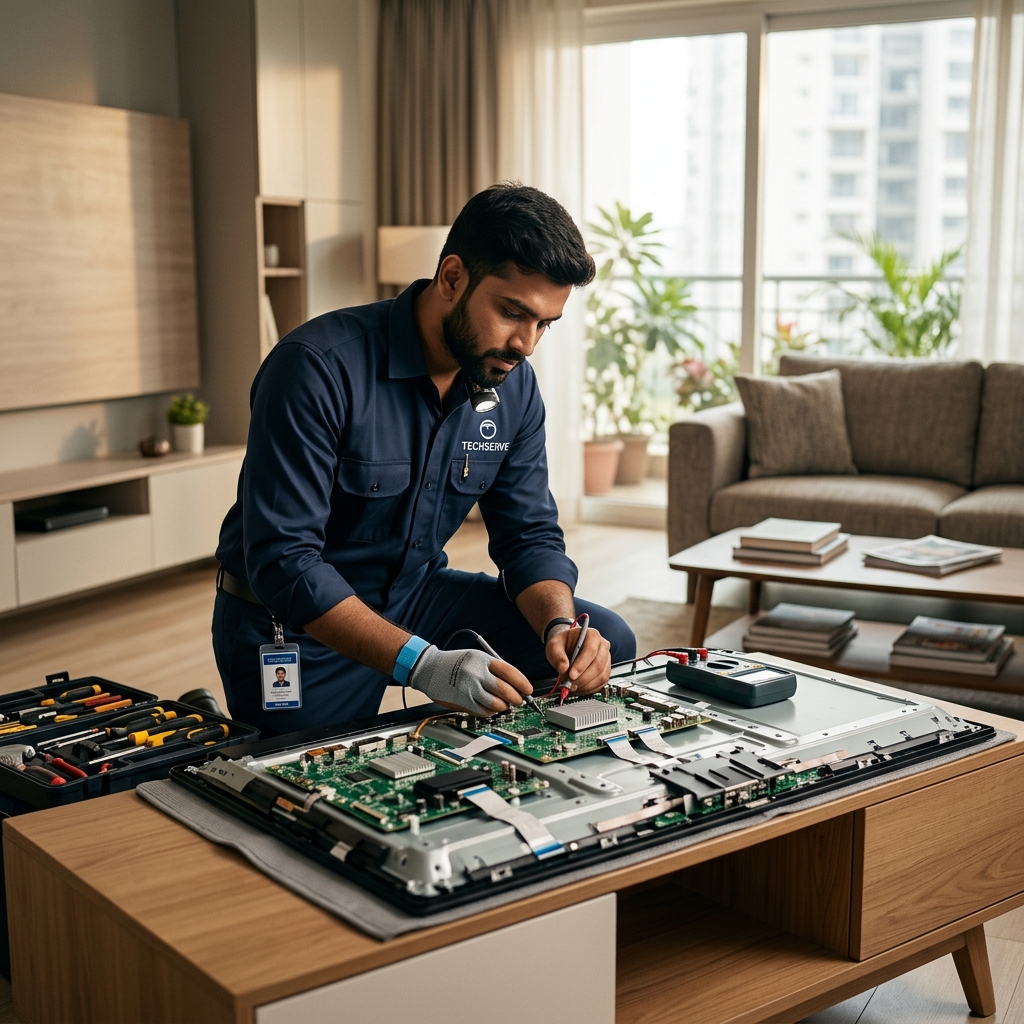
- No Chime Plays: The internal speaker coil or main motherboard audio amplifier chip has failed.
3. Digital Audio Format Settings (PCM vs Bitstream)
If you use an external set-top box or firestick, open audio settings and change the format from "Bitstream / Dolby Digital" to "PCM / Stereo". Some television audio processors cannot decode multi-channel surround streams natively.
4. Blown Internal Audio IC or Cone Speakers
Running TV volume at 100% continuously causes heat buildup on internal audio amplifier ICs on the main motherboard, eventually burning out the channel outputs.
Expert Smart TV Audio Repair
Tru-FIX-IT repairs motherboards, speaker cones, and audio IC components for all LED, OLED, and QLED television models. Call our repair helpline at 9464881952.