Troubleshooting Smart LED TV Screen Flickering
A flickering television screen ruins movie nights and causes eye strain. The cause can range from a loose HDMI cable connection to an aging LED backlight strip or a power supply board defect.
1. Check HDMI Cables and Streaming Devices
Over 50% of screen flickering complaints are caused by damaged HDMI cables or loose set-top box ports. Unplug the HDMI cable from both TV and media box, inspect the gold pins, and reconnect firmly or swap with a certified HDMI 2.1 cable.
2. Disable Energy Saving & Ambient Light Sensors
Modern Smart TVs (Samsung, LG, Sony, Mi) come with "Eco Mode" or "Ambient Light Detection". When room lighting changes slightly, the sensor rapidly adjusts backlight brightness, appearing as a rapid flicker. Turn off Energy Saving in picture settings.
3. Perform a Hard Power Reset
Temporary software cache errors in Android TV or webOS can cause video driver synchronization flickers. Unplug the TV power cord from the wall outlet, hold the TV physical power button for 30 seconds, wait 5 minutes, and plug back in.
4. Failing LED Backlight Strips
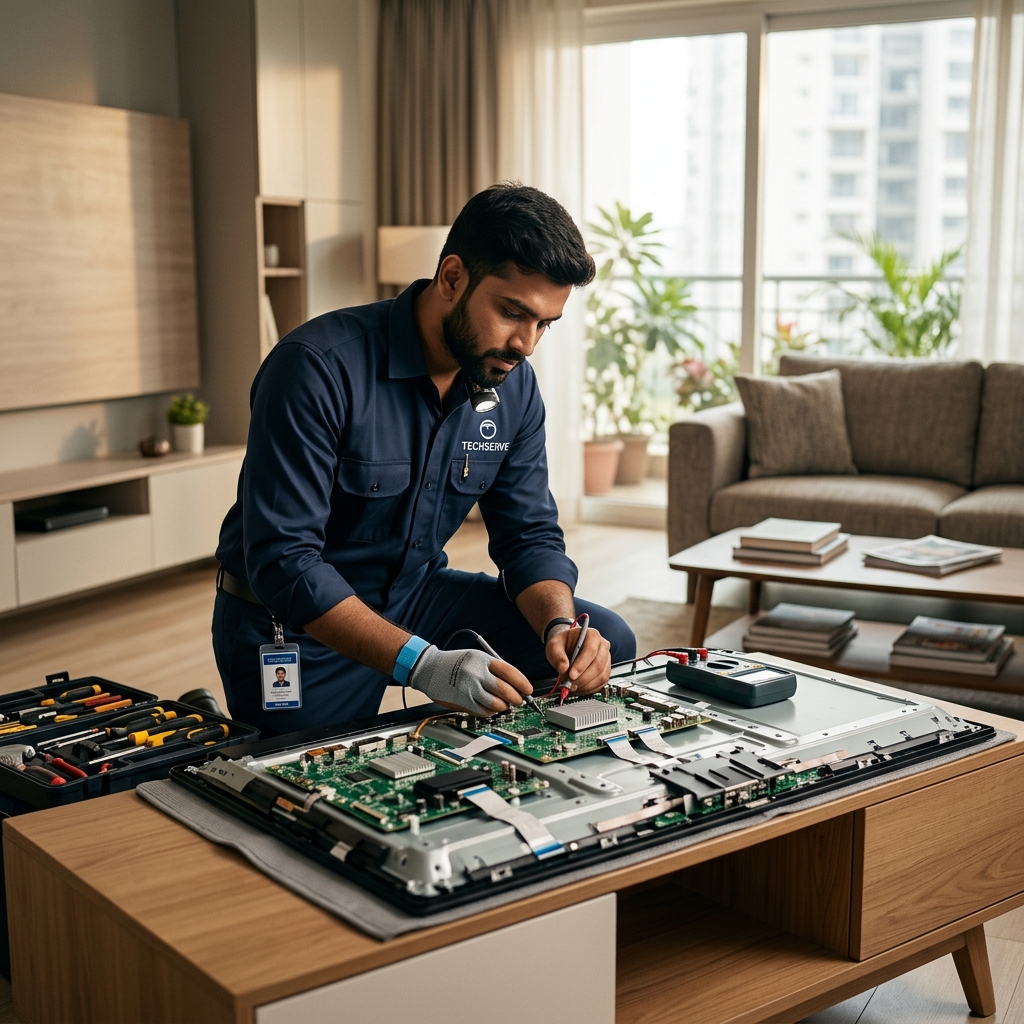
If flickering looks like horizontal flashing bands or half the screen dims, one or more LED diodes on the backlight strips behind the LCD panel have worn out. A trained electronics technician must replace the strip array.
Expert Smart TV Repair at Your Doorstep
Tru-FIX-IT repairs motherboard issues, T-Con boards, LED backlight strips, and display panels across all major television brands. Contact our engineers at 9464881952 today.